Stealth mode
The vault that doesn't look like one.
Secure Folder: Incogni Vault can swap its icon and name for one of nine ordinary disguises — a calculator, a calendar, a weather app, a sudoku game, a finance tracker, and more — so the app blends into your home screen like any other utility. A vault icon on your home screen is an advertisement: something worth hiding lives here. Stealth mode removes the advertisement. The disguise applies system-wide: the icon changes on the home screen, in your App Library, and in search. Someone scrolling your phone sees a calculator they'd never think to open, and the quick-lock gesture snaps the vault shut the moment someone walks up behind you.
- Disguises
- 9 icons — calculator, calendar, more
- Applies to
- Home screen, App Library, search
- Quick-lock
- Gesture closes the vault instantly
- Included
- Free
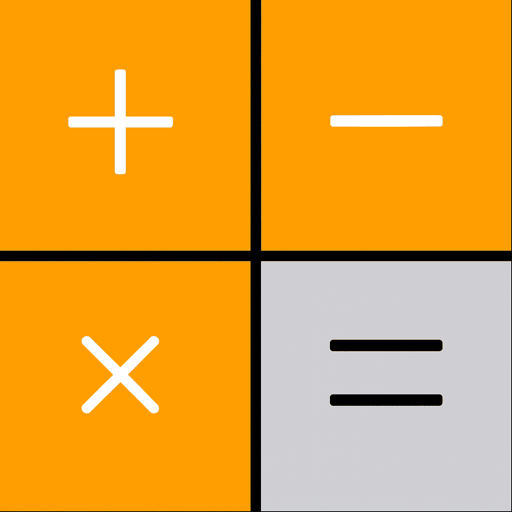






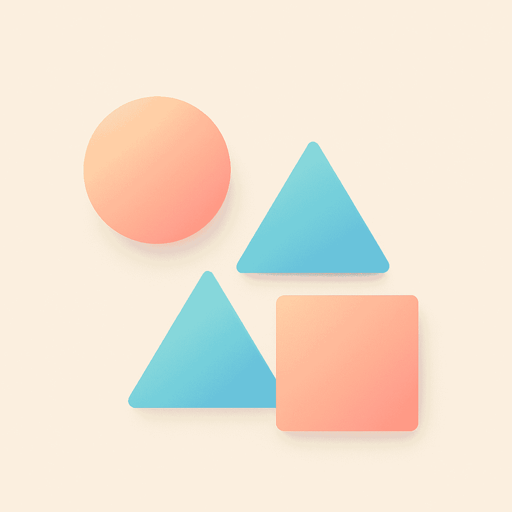
The nine disguise icons in Secure Folder
Nine ways to disappear
Choose the disguise that fits your home screen: calculator, calendar, weather, sudoku, finance, game, files, geometry, or utility. iOS switches the app's icon and display name to match, so the vault stops reading as a vault everywhere icons appear. Picking the right disguise is about context — a calculator vanishes on anyone's phone; a geometry tool disappears on a student's.
The people most likely to look are the ones you trust — Pew Research Center found that 75% of people in a relationship have given their partner their phone passcode. A disguised icon means the vault doesn't announce itself in the first place.
Layers, not a single trick
Stealth mode is the outer layer of a deliberate stack. The disguise keeps casual snoopers from finding the app at all. If someone does open it, the PIN stops them. If they demand you unlock it, the decoy vault shows them nothing that matters. And if they try guessing PINs behind your back, intruder alerts photograph every attempt. Each layer covers the failure mode of the one before it — that stack, not any single feature, is what makes the vault private in practice.
Common questions
Does the disguised icon change everywhere on iOS?
Yes. When you pick a disguise, iOS swaps the app's icon and name on the home screen, in the App Library, and in search results — there's no vault-branded icon left anywhere in day-to-day use.
Does the disguised app actually work as a calculator?
The disguise changes the icon and name — opening the app still shows the vault's lock screen, protected by your PIN or Face ID. For pressure situations where someone watches you open it, that's what the decoy vault is for.
Is stealth mode free?
Yes. Icon disguises and quick-lock gestures are part of the free app. Pro adds unlimited imports, intruder alerts, and widgets.
Try it on your own photos.
Free to download — set your PIN in under a minute.